Building Eddy, my terminal reading log
Last updated
Last updated
I love lazygit. It has been my sole Git interface for years: it’s fast, focused and usually one key away from anything I want to do.
I wanted that same experience for logging my reading, so I built Eddy.
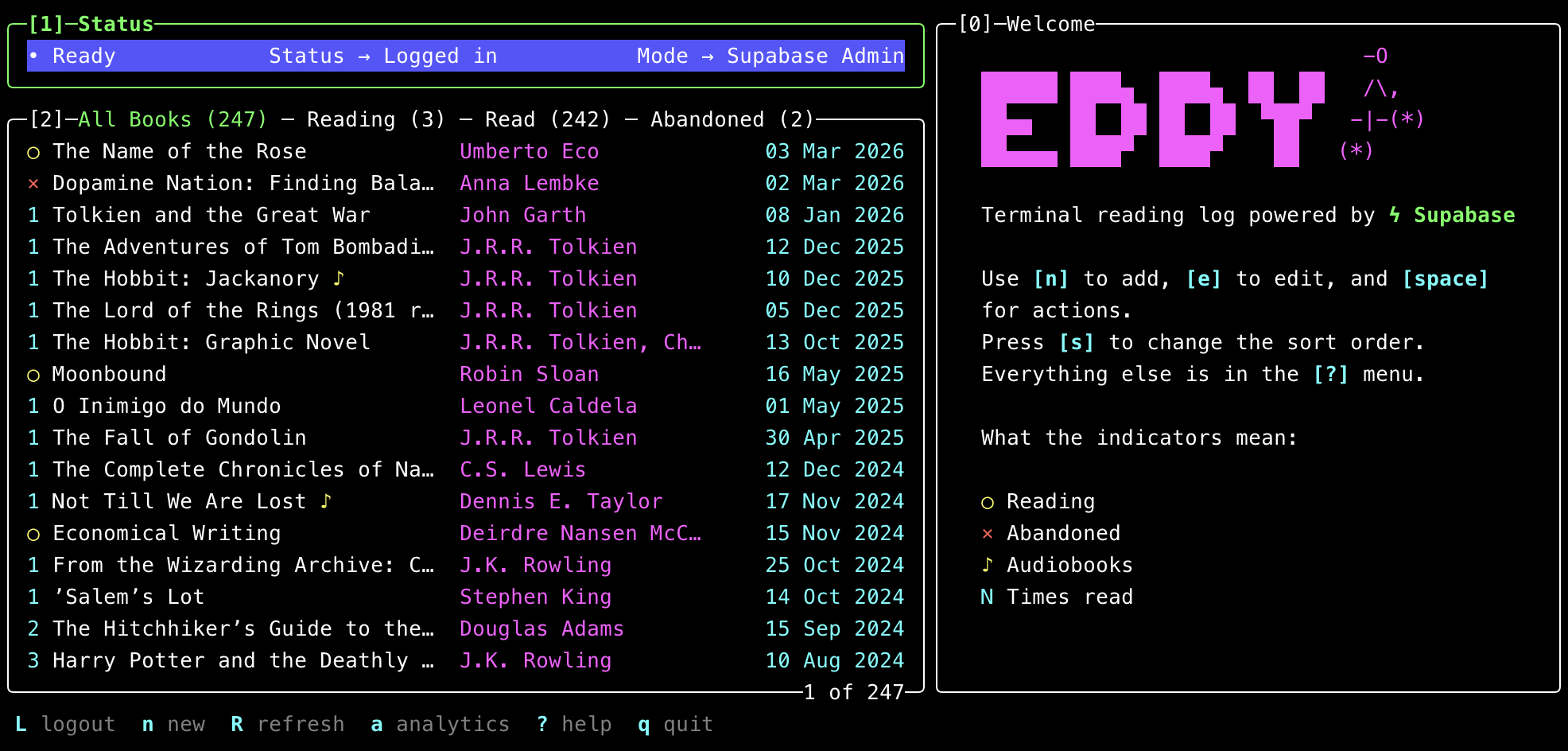
Eddy is built with React and Ink. Its interaction model comes from lazygit: numbered panels, single-key actions, j/k navigation, contextual shortcuts and space for secondary actions. There is little to memorise because the interface always shows what is available.
The first version used hand-picked colours. It looked fine in my usual theme, then fell apart as soon as I switched to light mode: poor contrast, mismatched modal backgrounds and highlighted rows that swallowed the text.
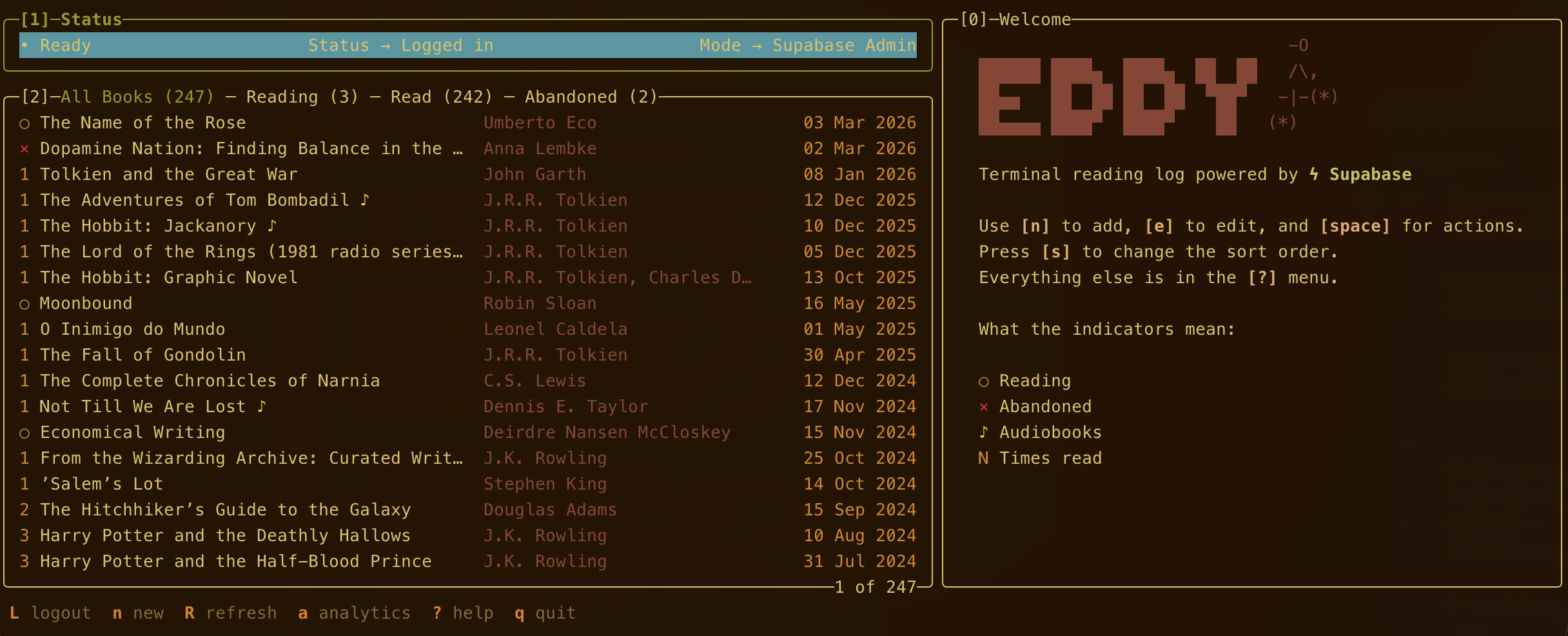
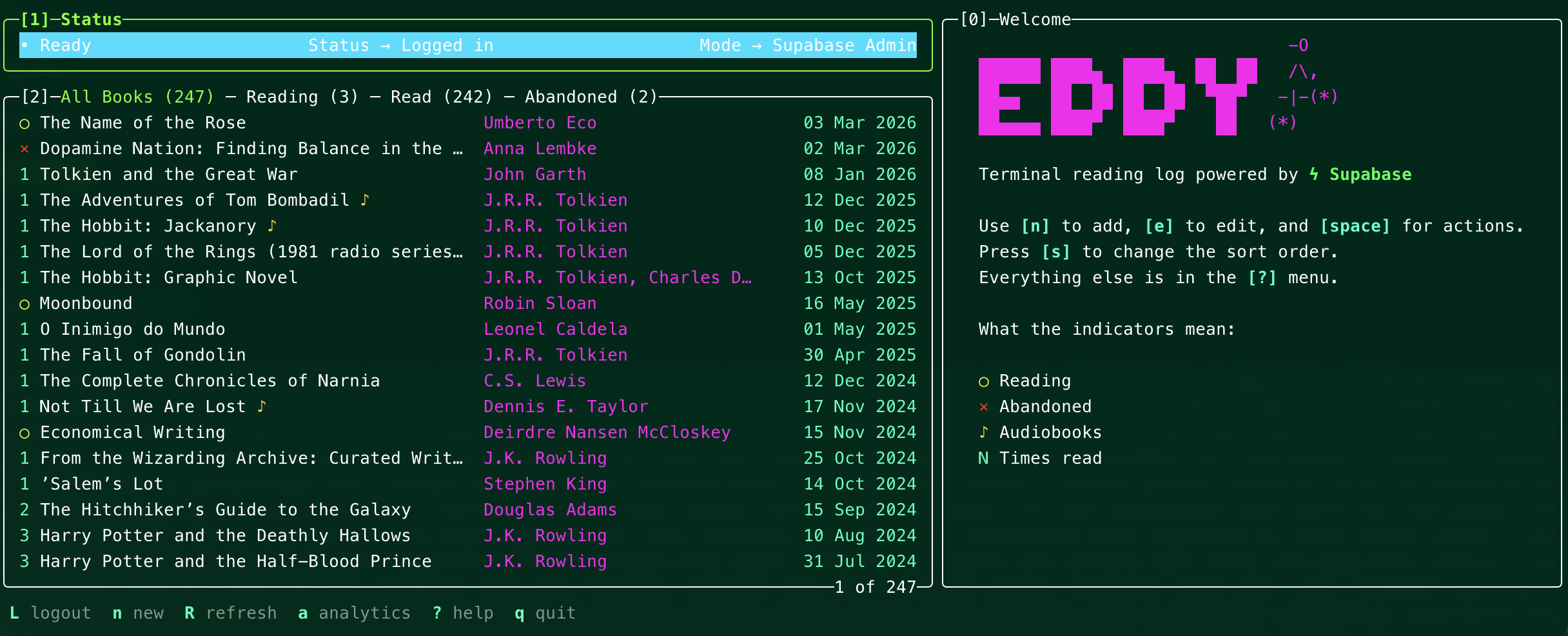
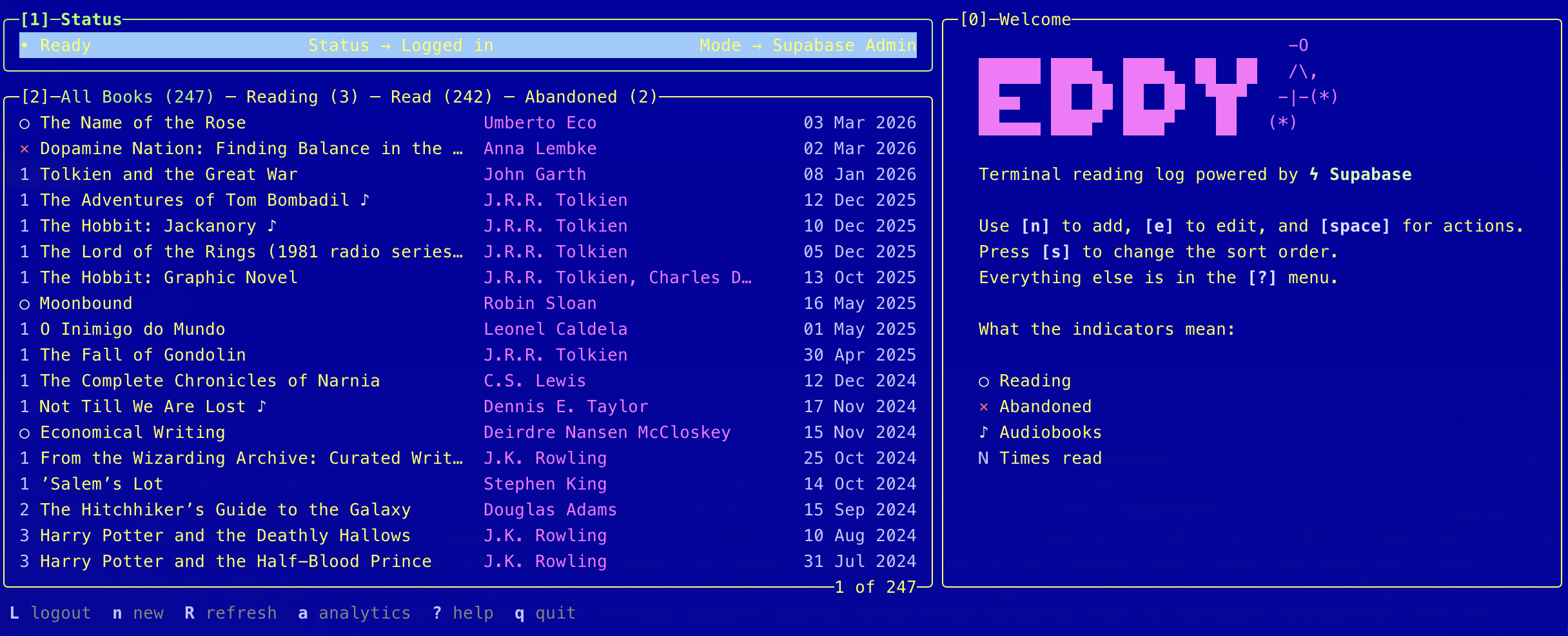
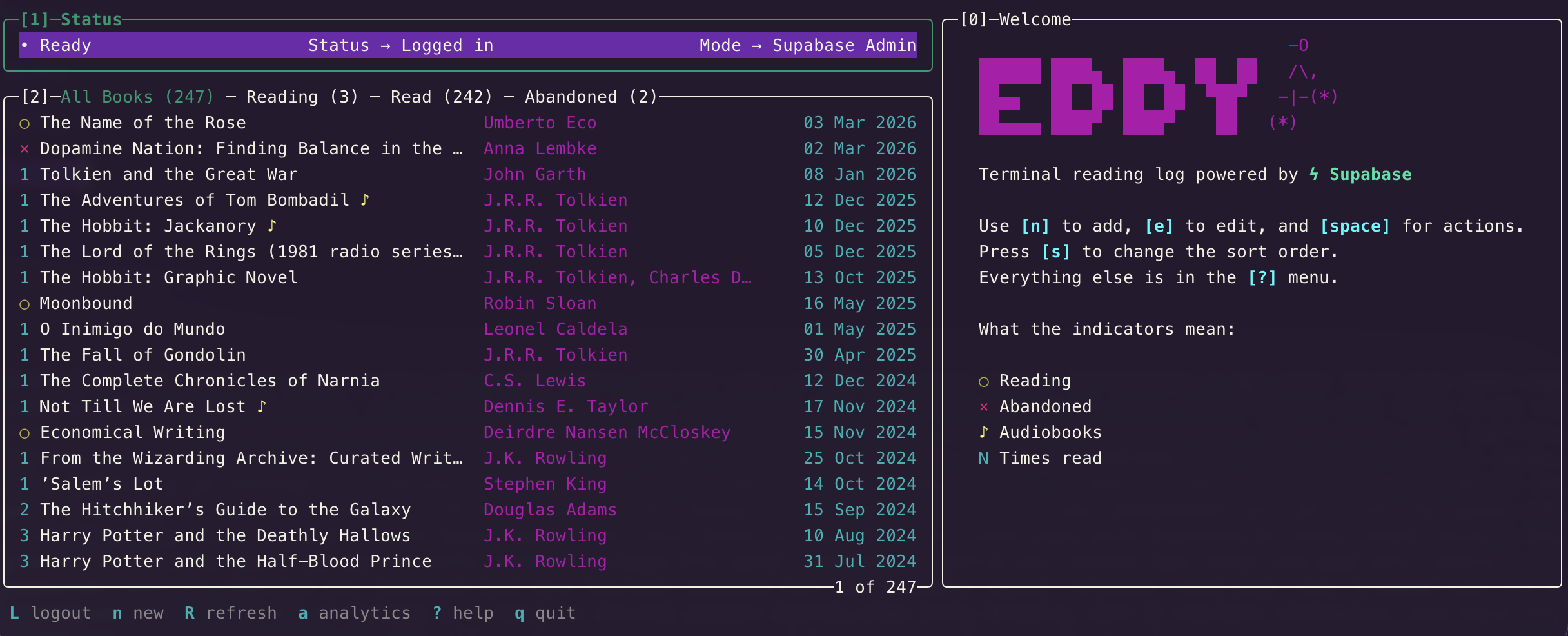
Switching to ANSI colours fixed it. The terminal theme decides how they are rendered, so Eddy stays readable without needing separate light and dark palettes.
Ink can position a modal over the interface, but terminals have no opacity or translucent backdrop to separate the layers. I fake that part with a small React context: when a modal opens, it applies ANSI dimming to the text and borders behind it, steps brighter colours down (bright cyan becomes regular cyan) and swaps the blue selection row for grey. The modal stays untouched, so it feels like it is floating above the app even though nothing is actually transparent. The effect works surprisingly well!
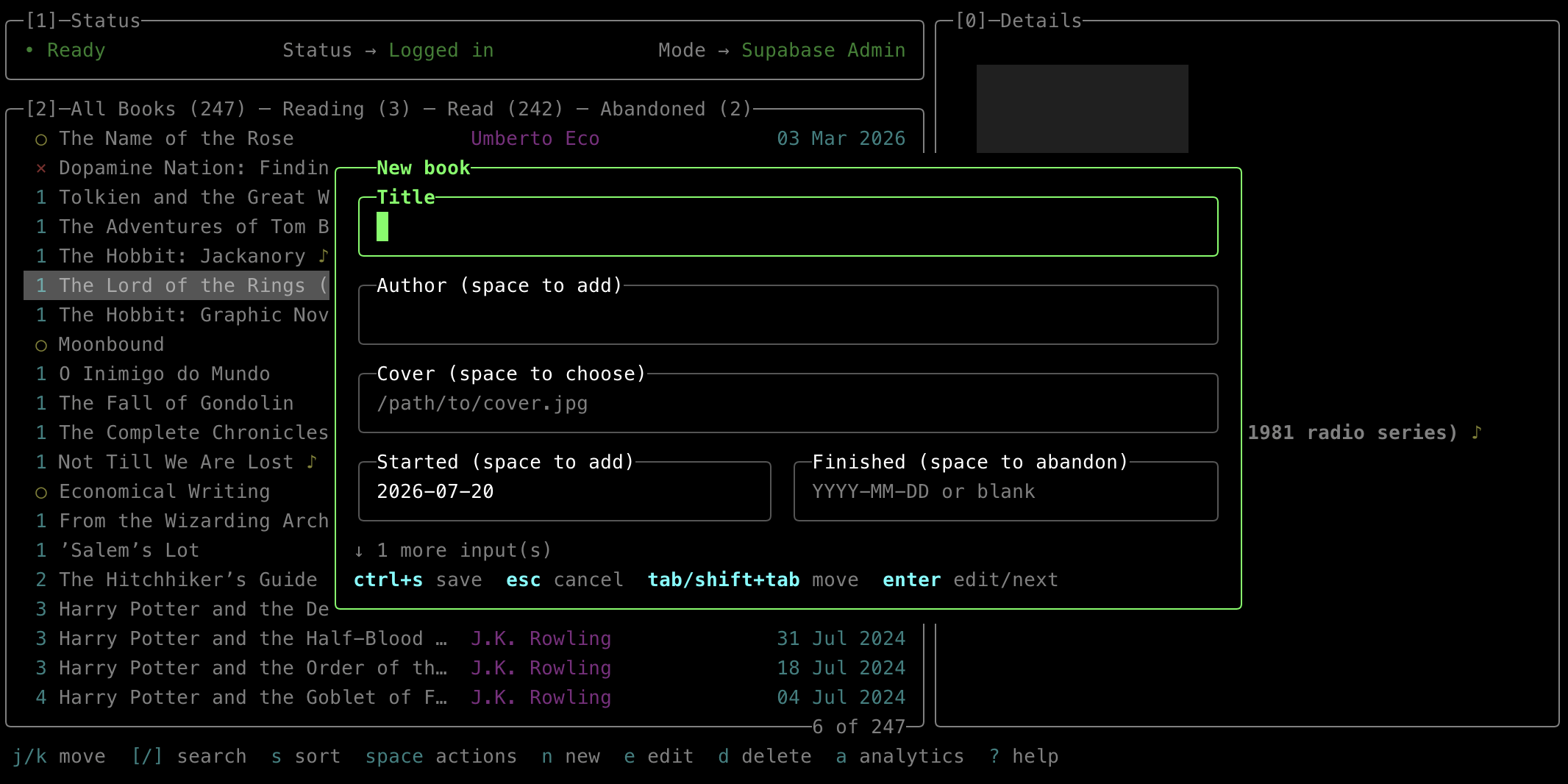
The cover is swapped for a dimmed placeholder at the same time. It is a tiny detail, but stopping the brightest part of the Details panel from shining through helps sell the effect.
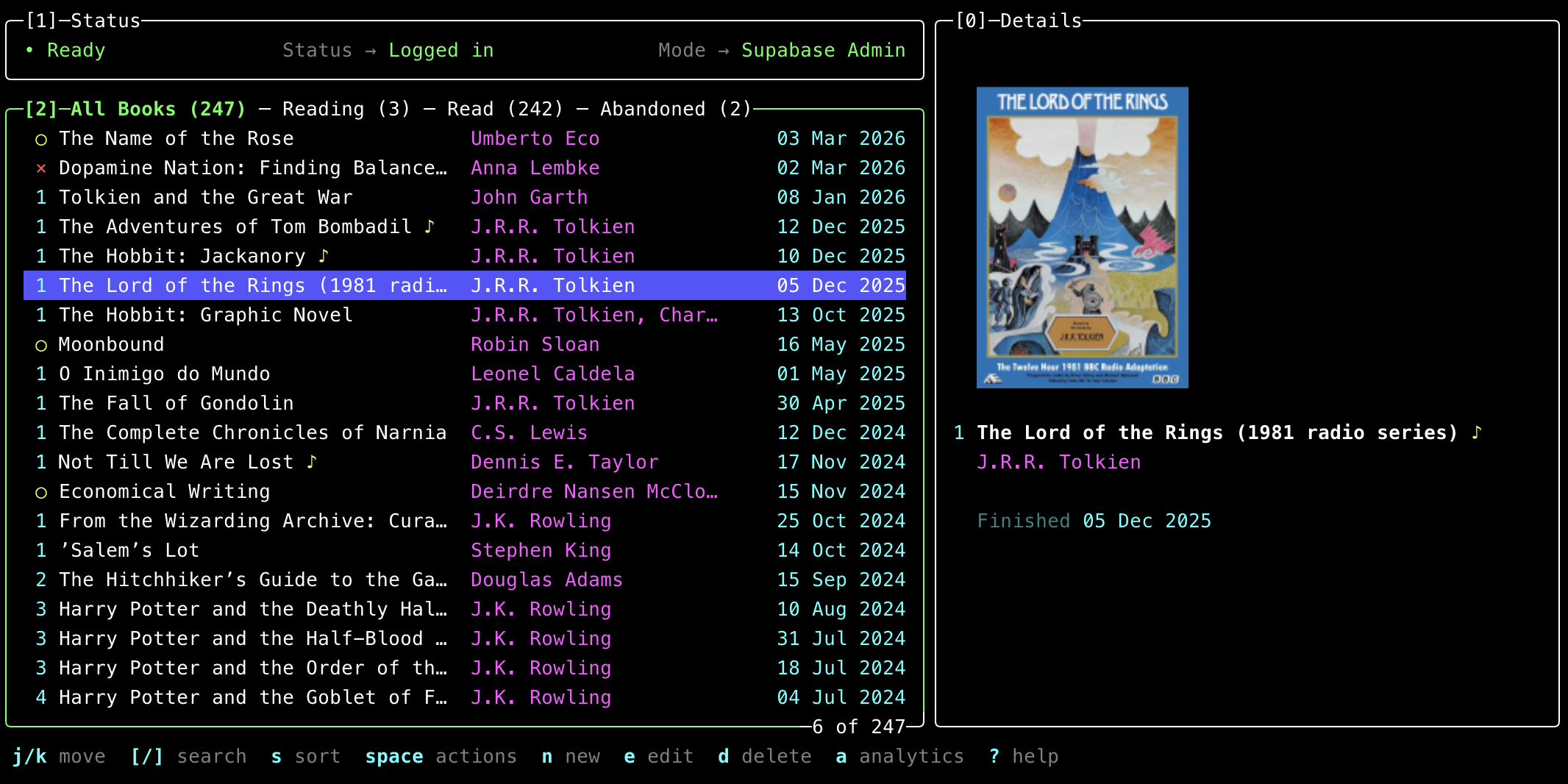
On clients that support the Kitty graphics protocol, ink-picture can render the real cover inside the Details panel. Every image occupies the same bottom-aligned frame, keeping the title and author fixed while I move through books with covers of different proportions.
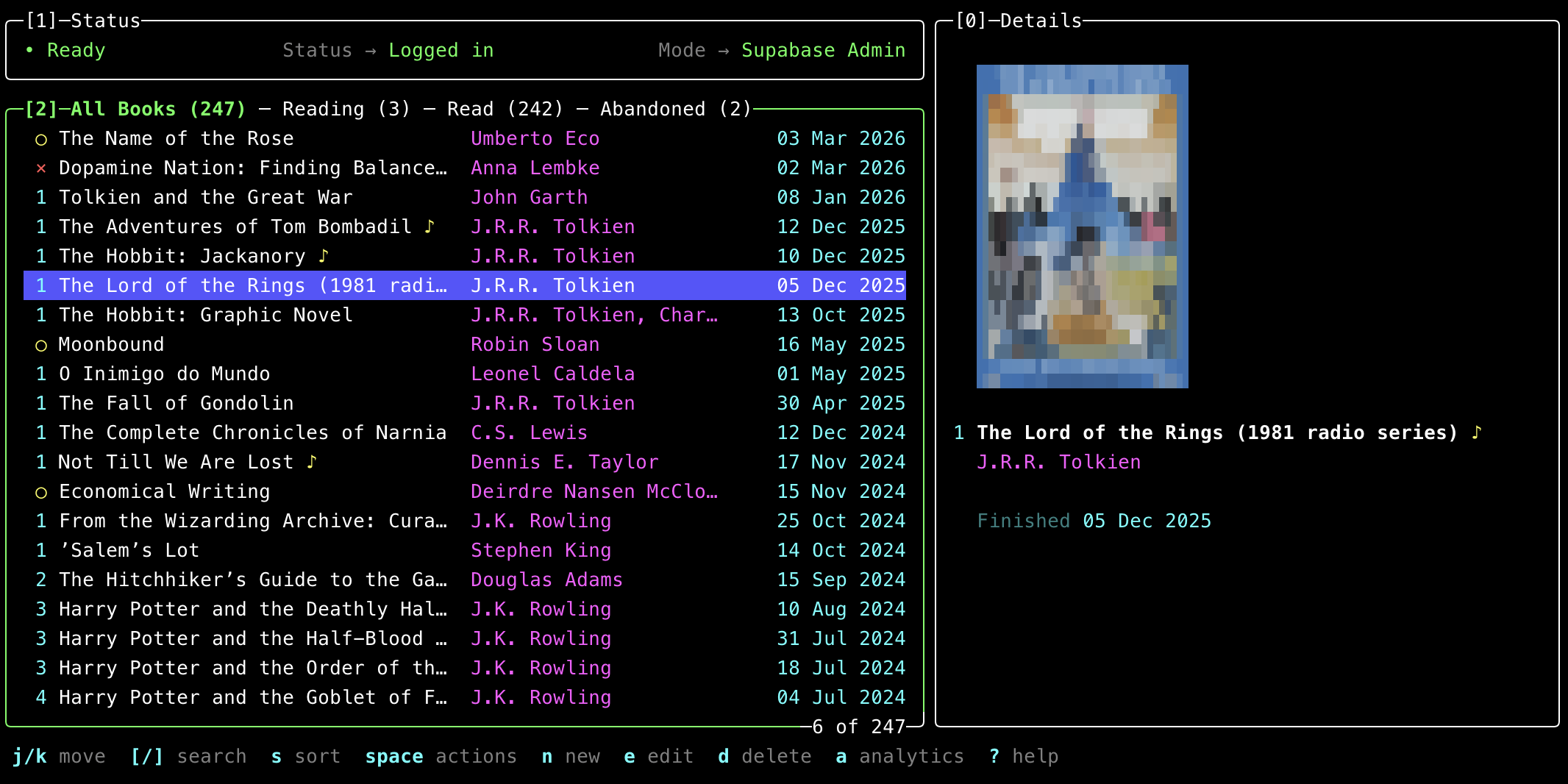
On terminals without native graphics support, Eddy resizes the cover and packs each 2×2 group of pixels into a coloured Unicode block element.
Authentication runs through GitHub and Supabase’s PKCE flow, with the session stored in macOS’s Keychain. Eddy only enables writes when the verified token includes my admin claim.
On startup, Eddy renders the book list from a local JSON cache, then refreshes it from Supabase in the background. It feels instant without treating the cache as the source of truth.
Here’s a short demo of the app in action:
I liked using Eddy so much that I removed book management from the website altogether. All editing now happens in eddy :)
Ps.: thanks @kemal for suggesting ink-chart and design feedback, Rodrigo for “want to read” idea (coming up!), and Jonny for sharing slis so I can steal some ideas 😄